This is an old revision of the document!
Shader Sets
This option allows you to apply shader sets (a.k.a. video filters) that can make your game look like it did back in the 80s and 90s. Here is a screenshot where you can see the rendering effects provided by a few shader sets on a SEGA Megadrive game (from left to right: none / scanlines / enhanced).
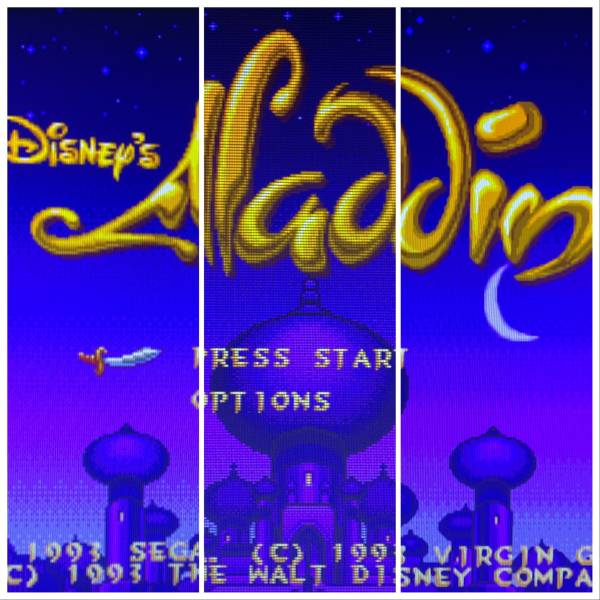
There are several built-in shader sets available by default:
| Shader set | Description | Preview (click for full view) |
|---|---|---|
| None (with 'smooth games') | No shaders, no scanlines, with bilinear filtering blur (smooth games). This is how Batocera is configured out of the box. Provides Game Boy colorization. You can select Game Boy colorization through its own menu, but beware, mixing colorization and shaders rarely provides good results. | 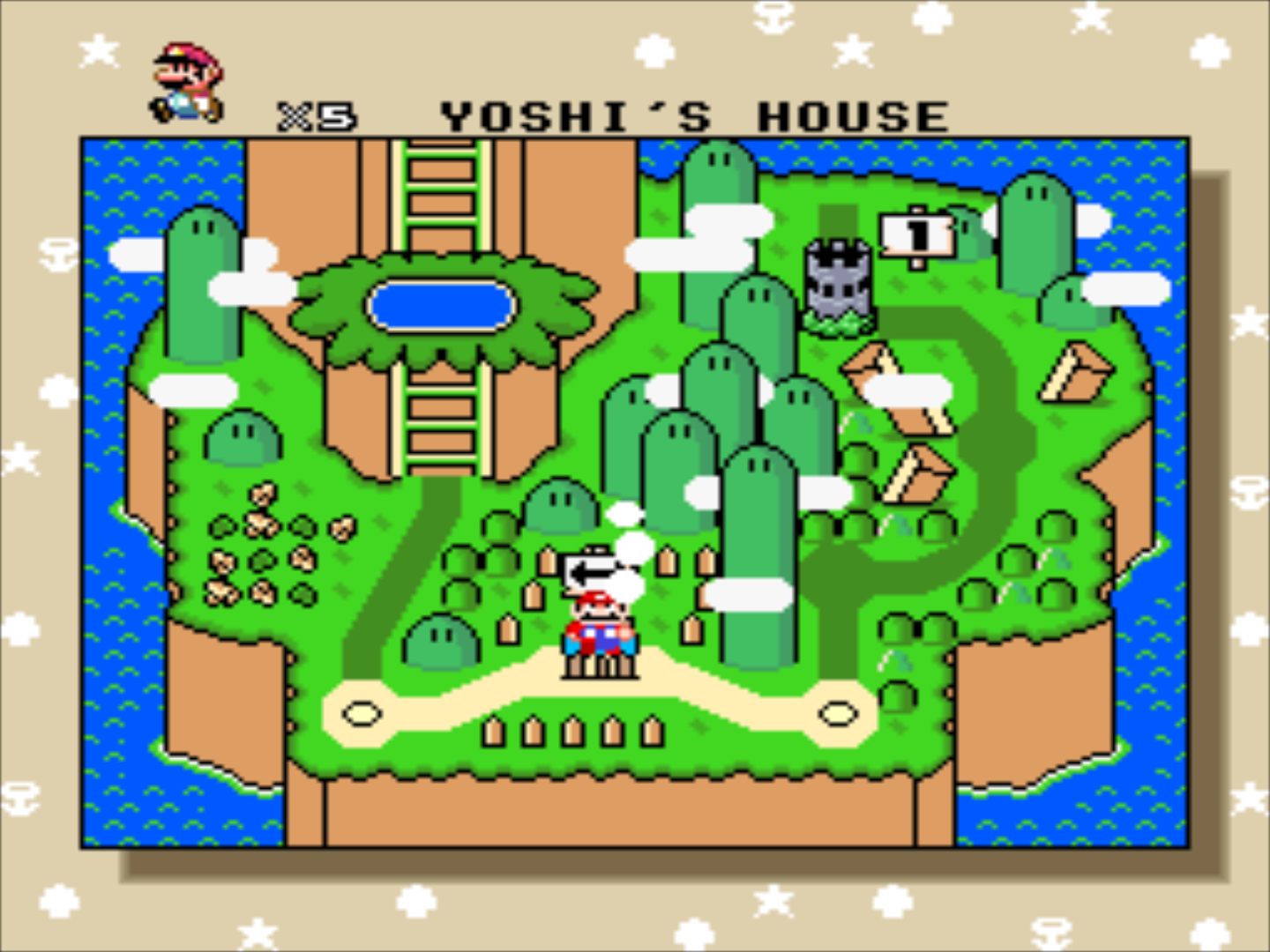 |
| None (without 'smooth games') | No shaders, no scanlines, without bilinear filtering blur. This uses nearest-neighbor upscaling to fill the screen. Since most retro games ran at 480p, and 480 is not a factor of 1080, some pixel rows/columns will be “thicker” than others. Provides Game Boy colorization out of the box. You can select Game Boy colorization through its own menu, but beware, mixing colorization and shaders rarely provides good results. | 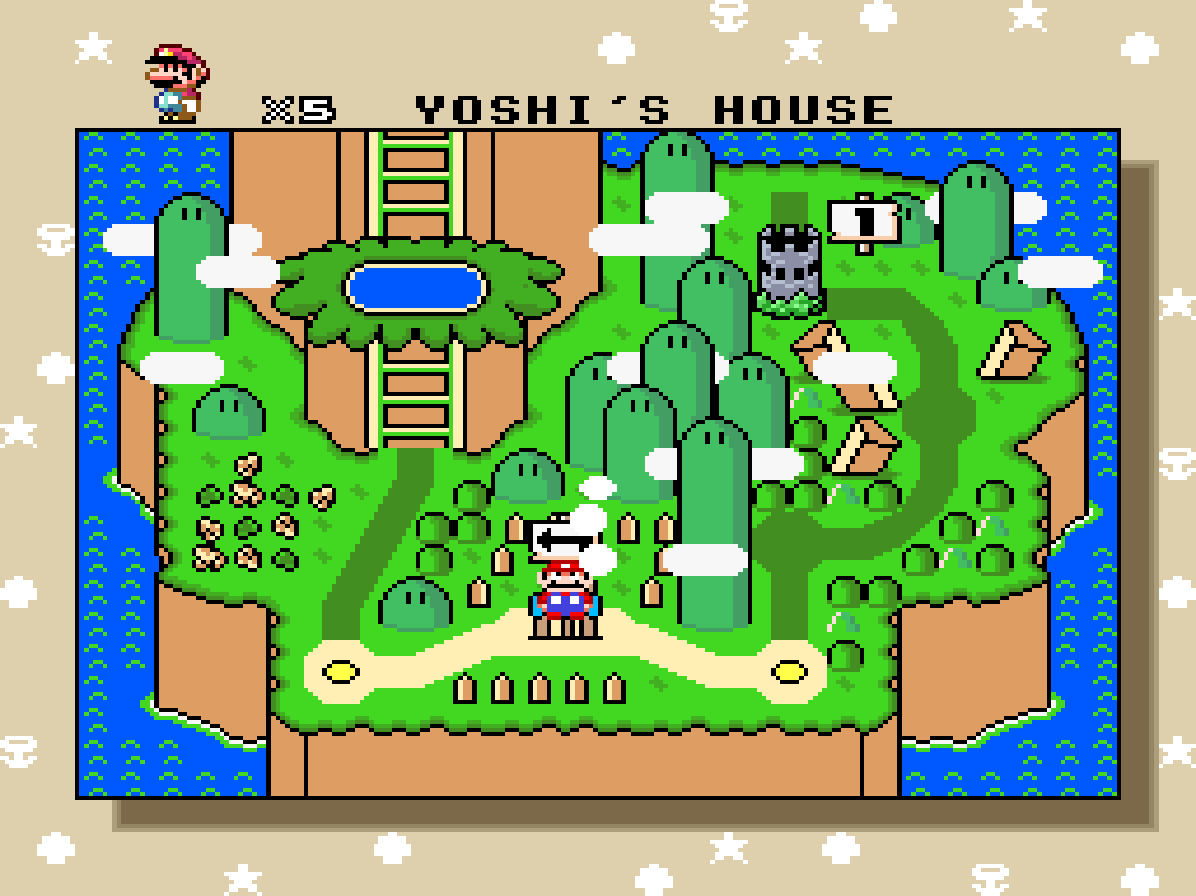 |
| Curvature (Batocera 5.24+) | Provides scanlines and a simulated screen curve, like good old CRT screens. For handheld consoles with LCD screens, no curvature is applied as the screens were flat. This shader set provides a “zfast” filter. | 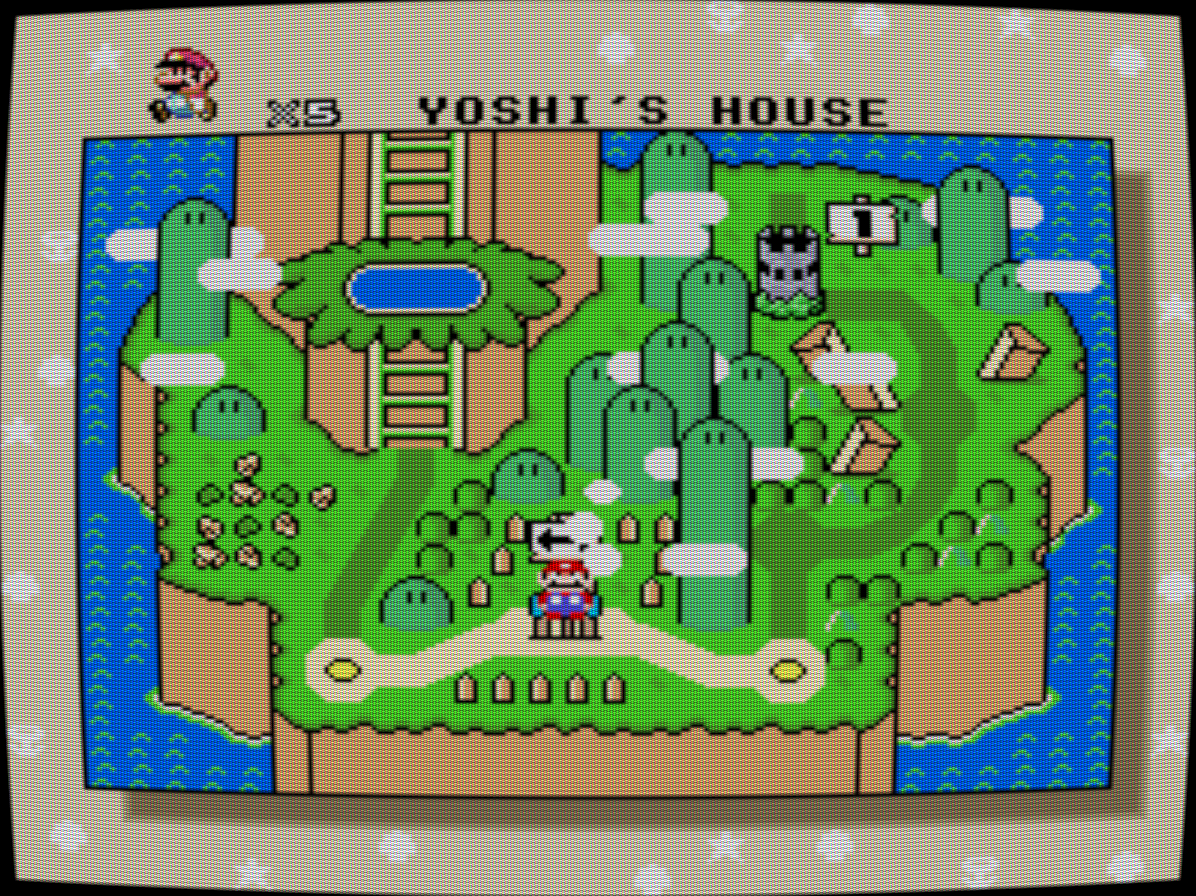 |
| Enhanced (Batocera 5.23+) | Adds blurring and upscaling to provide a smoother output, more in line with what you expect from a video game nowadays. | 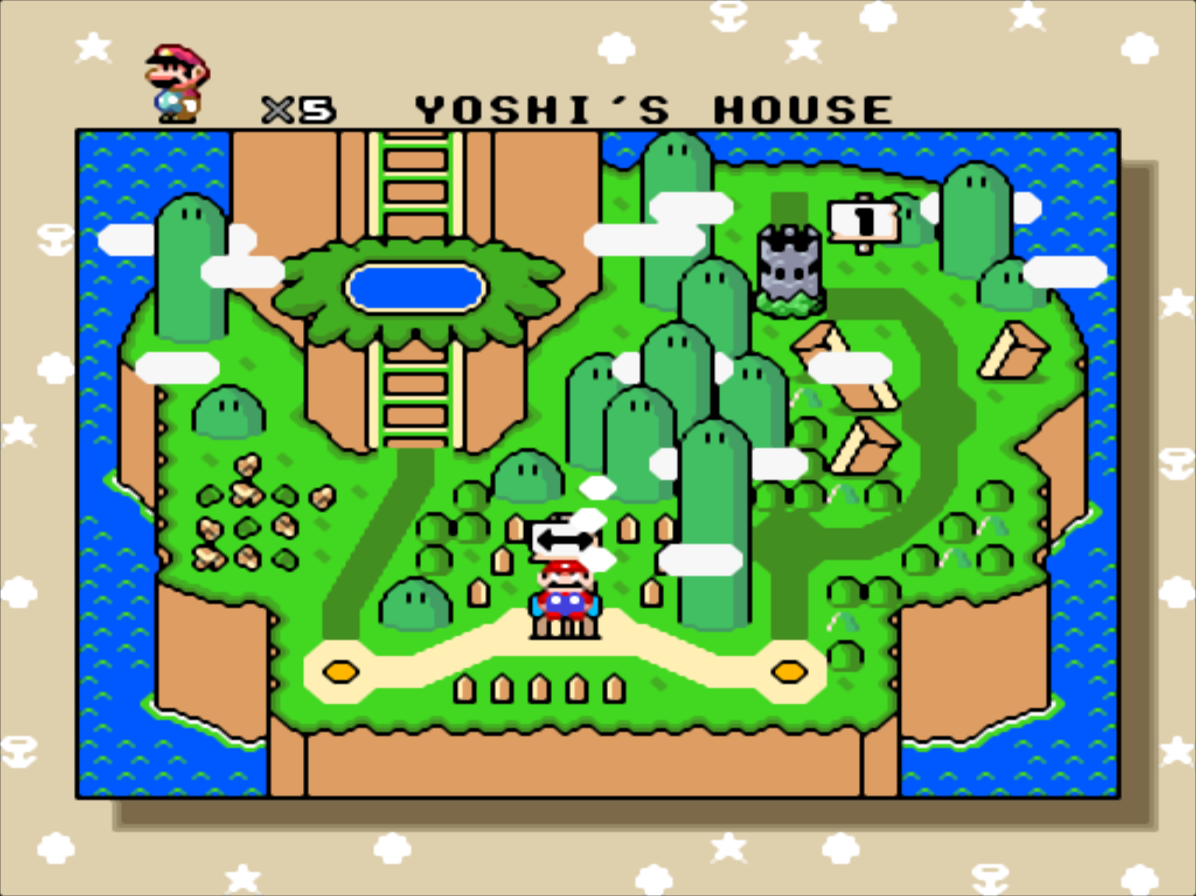 |
| Flatten-glow (Batocera 5.25+) | For CRT-based systems, it make the lights “glow”, this effect is particularly cool for Vectrex and old arcade games with a black background… but it might make you feel tipsy when used on colorful games! For handheld LCD systems, it “flattens” the screen so that the foreground and background melt together, like when you were playing those non-backlit screens. | 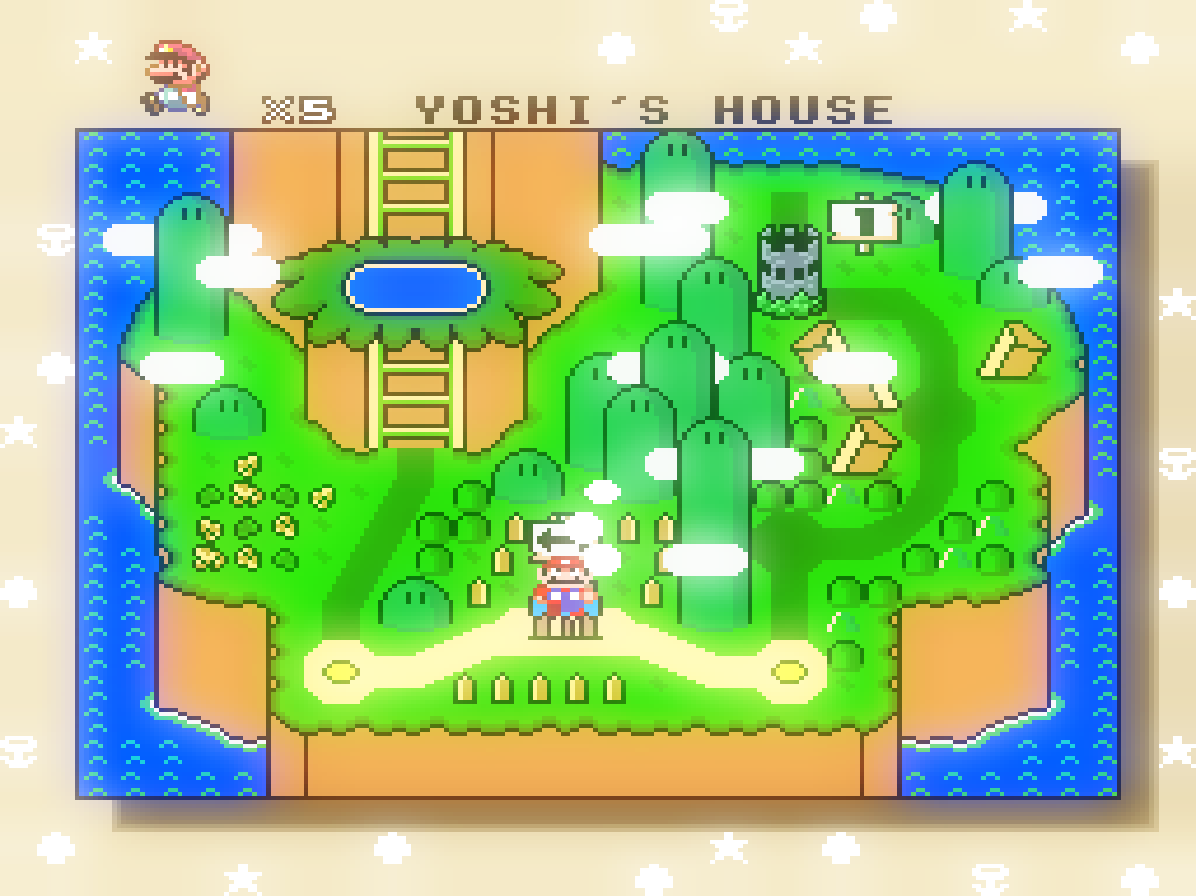 |
| Retro (Batocera 5.23+) | A.k.a. “big pixel” mode, that adds a retro vibe to the output. Think of the indie games you could find on Steam by dozens in 2019, egregiously using the 8-bit effect. This particular preview doesn't show a difference as SMW is already pixelated, but try it on a modern system like PS2 or Gamecube! | 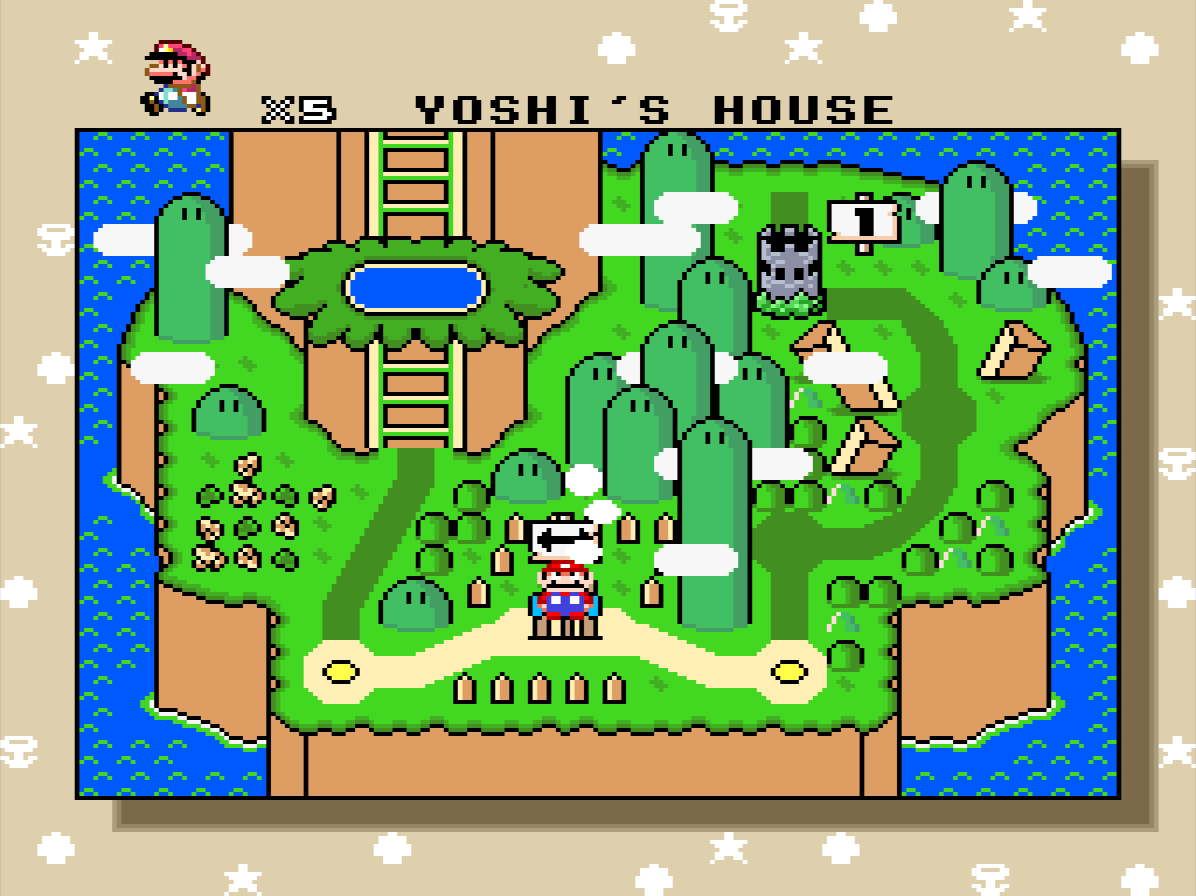 |
| Scanlines (Batocera 5.23+) | The most realistic, for a 80s/90s look and feel. Most Batocera users have a LCD screen, not a CRT, so this mode enables scanlines to simulate the effects you get out of a big old TV set (but no curvature on the image). On handheld consoles, with LCD screens, you have no “scanlines” as the technology is fundamentally different. So this set utilizes a “grid” effect for old-style LCD rendering when you play a handheld game. | 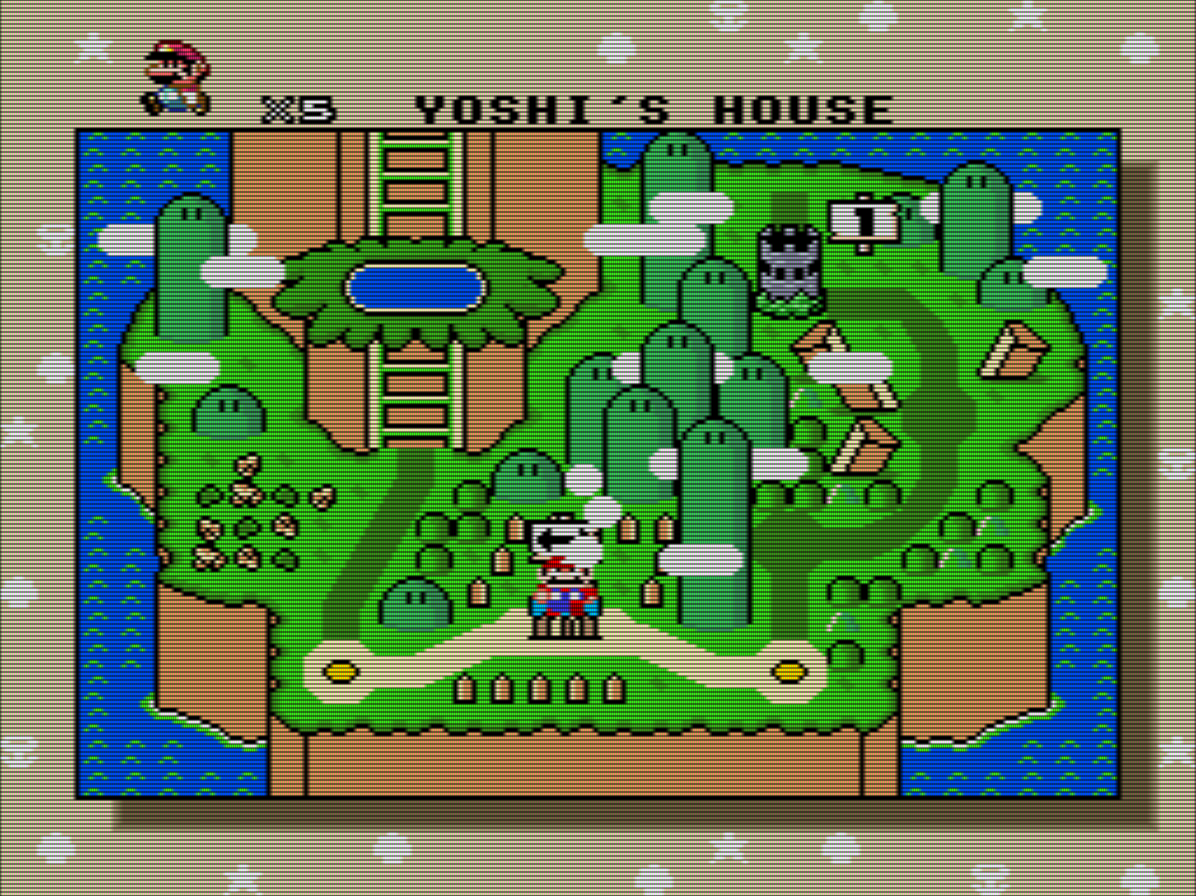 |
| Zfast (Batocera 5.25+) | An implementation of the zfast algorithm, with a variant for CRT screens (lighter scanlines, kind of a honeycomb effect) and one with no scanline for handheld LCD systems. Lighter on resources than the other shaders. | 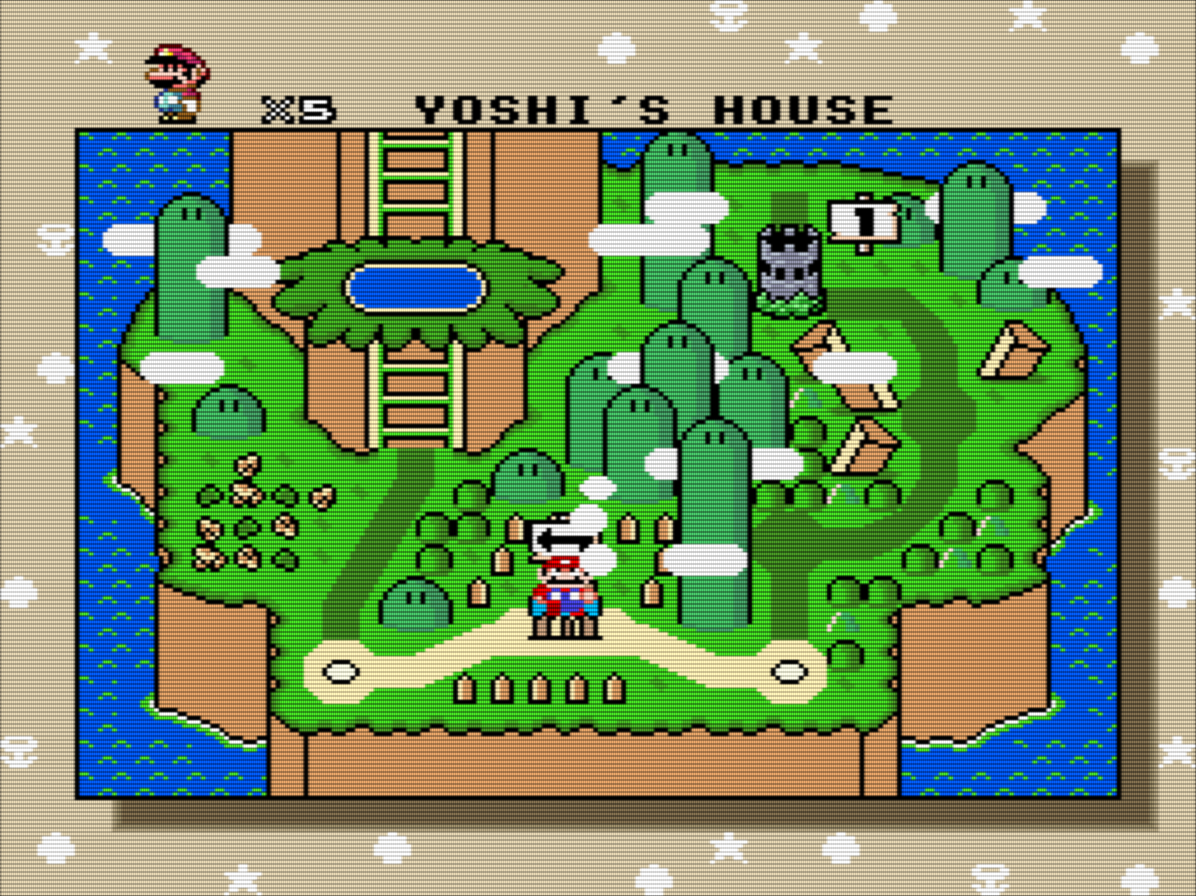 |
You can also select none to use no shader at all - it's the cheapest option performance-wise.
These shaders only work in Libretro cores and a few select standalones. Most standalones (such as Cemu, RPCS3, Dolphin, etc.) aren't compatible with these shaders. This may change in the future.
What if I want to use RetroArch's other built-in shaders?
You can set your own shader presets per system or per game, overriding the Batocera shader set selection. In order to do so, you can edit the /userdata/system/batocera.conf file and add the relative path (without extension) to the desired shader to the appropriate <system>-renderer.shader key. For example:
snes-renderer.shader=vhs/ntsc-vcr
mame-renderer.shader=crt/crt-pi-curvature
nes["Xexyz (USA).zip"]-renderer.shader=vhs/ntsc-vcr
Don’t include the filename extension, just the name of the shader preset, without the .glslp or .slangp extension.
All shader presets available on your Batocera system are available in /usr/share/batocera/shaders/ and its subfolders.
But I want to use my own shaders which I downloaded from the internet!
What if you want to add your own shaders, that are not distributed with RetroArch? Create the folder /userdata/shaders/ and add them in there. They will be accessible from batocera.conf from this point forward too.
Oh, and I know that you want to use vhs/ntsc-vcr everywhere now, right? 
There is a bug where only the common-shader sets can be used. List is available at https://github.com/libretro/common-shaders (Batocera uses whatever was available at the last stable release).
What if I want to create my own shader set?
If you're sick and tired of Batocera's limitations with config-created shaders, or just think selecting it from the menu is nicer, it is possible to add a new set altogether.
Create the folder /userdata/shaders/configs if it doesn't already exist.
You can see the current list of shader sets Batocera uses at https://github.com/batocera-linux/batocera.linux/tree/master/package/batocera/emulators/retroarch/shaders/batocera-shaders/configs
These are good examples showing you the capabilities of shader sets!
Create a new folder and name it what you would like your new set to be called.
Inside of this folder, create a new text file named rendering-defaults.yml (rendering-defaults-low-gpu.yml if using a weak SBC like RPi0) and open it. In it, paste the following:
- rendering-defaults.yml
## SHARP-BILINEAR-SIMPLE
default:
  # shader affects retroarch shaders
  shader: interpolation/sharp-bilinear-simple
  # scanline affect fba2x
  scanline: false
And then simply alter the interpolation/sharp-bilinear-simple to whichever shader is desired (a list of available shaders can be found in RetroArch's Quick Menu ([HOTKEY] +  )). In Batocera, update your game list to refresh your options, and give your shader set a test.
For example, the final folder structure might look like this:
/userdata/shaders/
          ├─ configs/
          │  ├─ curvature/
          │  │  ├─ rendering-defaults-low-gpu.yml
          │  │  └─ rendering-defaults.yml
          │  └─ my-own-custom-shader/
          │     └─ rendering-defaults.yml
          ├─ custom-shader-my-preset-relies-on.slang
          └─ custom-preset-my-shader-set-relies-on.slangp
When done, update your game list (or reboot) to see the new custom shader sets in the menu.
If wanting to create a shader set that incorporates custom shaders not already included in Batocera, refer to the downloaded shaders section above. Any shaders found in /userdata/shaders will be treated as if though they were included in the built-in set.
More complex (for instance, system-specific shaders, video smoothing, colorization, etc.) options are possible inside of shader sets.
The current list of shader sets Batocera uses can be found at https://github.com/batocera-linux/batocera.linux/tree/master/package/batocera/emulators/retroarch/shaders/batocera-shaders/configs
These are good examples showing you the capabilities of shader sets!
This can be used to override the default shader set behavior if the same name is used.
- I upgraded my Raspberry Pi3 or Pi4 to Batocera 32 and my performance is poor
-
If you use the
curvatureorscanlinesshaders sets, they have been changed on Batocera v32 because the rendering wasn't good on many resolutions others than 1920×1080 (if you had a 4K TV, or a small screen like the OGA, OGS and clones, there were many artifacts). This has since been fixed in Batocera v34 and higher. If you must stay on v32 and want to get back to the shaders that were available in earlier versions of Batocera, you can edit thebatocera.confconfiguration file, and for each emulator you want to set the shaders for, you can add a line like:For the previous
curvatureshaders:mame-renderer.shader=crt/fakelottes
For the previous
scanlinesshaders:mame-renderer.shader=crt/crt-pi
If you want to fine-tune the selection, you can check all the shaders available in
/usr/share/batocera/shaders/(and in particular in/usr/share/batocera/shaders/crt/for shaders relative to scanlines and curvature).
More technical information about shaders
Shaders are little snippets of code that simulate the effect on the video layer. They are depending on the video backend you are using. Up to Batocera v30, only OpenGL was supporting shaders. Starting with Batocera v31, you can use OpenGL or Vulkan and get shaders. The difference is:
- OpenGL shader preset files are
.glslp, video transformation code are.glslfiles - Vulkan shader preset files are
.slangp, video transformation code are.slangfiles
What you need to load in the batocera.conf file above is a .glslp or .slangp file, which is kind of a “playlist” of unitary video transformation files, defining what needs to be applied in order to render the effect expected.
As you can see above, you don't need to specify the extension. Batocera will apply it automatically based on the video backend you are using.
Also, these shaders can only be applied to Libretro cores. Standalone emulators have to either provide their own shader in the advanced system options or something else.
Hot-swapping shaders with controller commands
Did you know you can swap the active shader with the [Hotkey]+[L2]/[R2] command while in-game? Only for Libretro cores, however. The shaders switched between here aren't necessarily the same as the shader sets that Batocera can use (you should really be using shader sets instead of this hot-swapping method), but it can be convenient to quickly compare shaders without having to constantly exit and relaunch a game.
First, gather the shaders/filters (*.glsl and *.slang files without the p at the end) it depends on and copy them into a new /usr/share/batocera/shaders/shaders subfolder on the Batocera machine itself. Then copy the shader presets (*.glslp/*.slangp files with the p at the end) from the directory its in (for example, /vhs) to usr/share/batocera/shaders. Your file paths should look like so:
/usr/share/batocera/shaders/
                    ├─ shaders/
                    │  └─ filter-needed-by-preset.slang
                    └─ shader-preset.slangp
RetroArch will now cycle through these shader presets in addition to the base ones it already has. If you wanted to completely customize the cycle rotation to your liking, you could remove the other shader presets that are already there. Doing this will not interfere with the shader sets that are available within EmulationStation.
Run batocera-save-overlay to keep the changes after rebooting. Keep in mind this will have to be done every time you update Batocera.
I hate shader sets! I just want to use RetroArch's Quick Menu to configure everything!
You can still use RetroArch's individual shader settings by setting your shader set to “None”. Batocera will then leave your shader settings untouched. 
- emulationstation/shaders_set.1654421352.txt.gz
- Last modified: 4 years ago
- by atari